Closingthe Loop
A local-first creative OS for images and video.
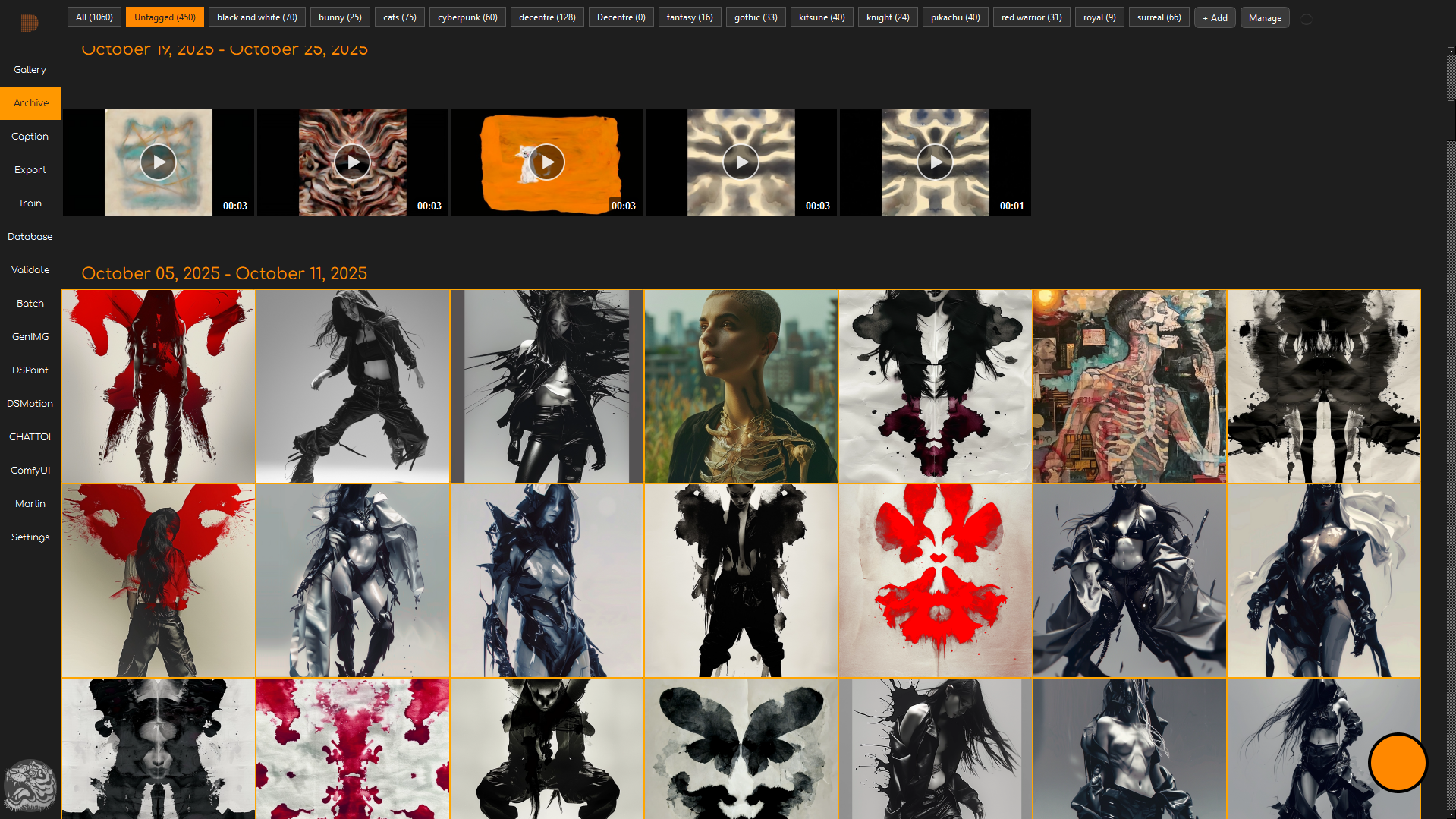
Your media
workspace
Ingest, organise, prepare.
Core ingests images and video, extracts metadata, tags and captions with the agent, and keeps a searchable record of your assets for both creative work and training.
Everything downstream reads from the same library. You are never hunting for the file you made last week.
Pixel and
latent, one
place
High-resolution painting with a generative brush engine.
DSPaint combines a traditional layered raster editor with a latent painting mode that uses diffusion to generate brush strokes, giving more variety and control in digital work.
Layers, masks, adjustments and transforms behave the way you expect. The generative part sits inside that, not bolted on beside it.

Text, image,
edit, repeat
Every output becomes new input.
Type a prompt, generate an image, refine it in DSPaint, and send regions back through the model as needed. Decentre is built around this iterative loop rather than one-off renders.
Ingest, structure, train, generate, refine, re-ingest. Nothing has to leave your system for that cycle to close.
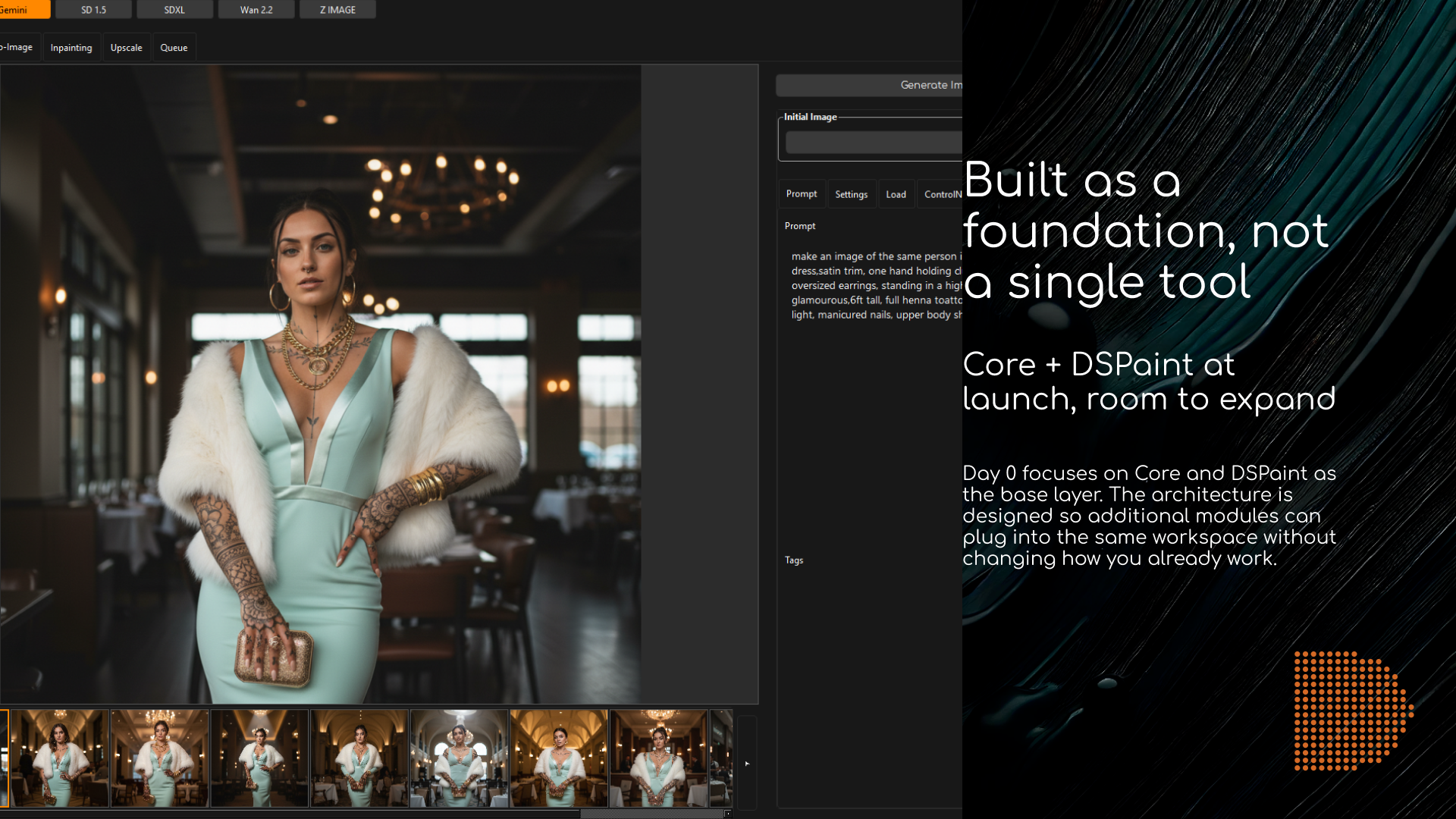
Built as a foundation, not a single tool
Day 0 focuses on Core and DSPaint as the base layer. The architecture is designed so additional modules can plug into the same workspace without changing how you already work. That is also why Core is free.
Core
Ingest, gallery, archive, captioning, tagging, export and dataset preparation.
DSPaint
Layered raster editing with a latent brush engine, local or cloud generation.
DSMotion
Video timelines and editing, bringing the same assets into motion work.
DSVector
Vector layouts for storyboards, UI elements and diagrams.
Coming to Steam
Decentre Studio generates on your own GPU, and Steam is where the machines that can do that already live. One email when it goes live. Nothing else, ever.